 Product finds and QC photos
The Joyagoo spreadsheet has become a familiar shortcut for people who want to discover agent-shopping items without starting from a blank search box. The problem is that most spreadsheet pages still feel like raw infrastructure: long rows, mixed naming, uncertain image coverage, copied seller titles, and old links that may or may not still match the current product. JoyaGrid turns that material into a practical visual tool. It explains how the spreadsheet works, helps beginners avoid common mistakes, presents a product browser, compares different research formats, and shows what to check before trusting a find.
Choose the Guide You Need
Start with the overview or jump directly to the part of the buying process you are working on.
Independent Editorial Review, Not a Raw Link Dump
JoyaGrid is an independent editorial discovery site. It is not an official Joyagoo service, not a seller, and not a payment processor. The page is built to help visitors research finds more carefully before they leave for an external search, seller, or agent page.
Finds are organized by visible product type, category fit, photo usefulness, price context, and whether a beginner can understand what to check next. Community discussion can inspire new guide topics, but JoyaGrid does not copy comments or treat hype as proof. When social discussion raises a useful concern, the page turns that concern into a verification checklist: confirm the product page, compare QC photos, check measurements, estimate landed cost, and remove weak options.
Editorial independence
Listings and guide notes are written as research prompts. JoyaGrid does not guarantee product quality, seller behavior, platform rules, or final checkout cost.
Review history
Dated update notes tell visitors what was reviewed and changed.
Community-aware sourcing
Reddit, Discord-style conversations, haul posts, and QC discussions can raise questions worth investigating; they are not copied as source material.
What is the Joyagoo Spreadsheet?
The Joyagoo Spreadsheet is a community-curated index of shopping finds, usually organized around product names, categories, images, prices, QC-photo references, and buy links. In its simplest form, it is a table that helps users move from inspiration to a seller page faster. Instead of searching the open web for every sneaker, hoodie, bag, accessory, or gadget, users can begin with a spreadsheet row that has already been discovered, labeled, and shared by someone else.
The idea grew from agent-shopping communities where people compare finds, review QC photos, and share links after they identify a product worth checking. A normal search engine is broad, but a spreadsheet is specific. It turns a scattered conversation into a reusable reference. A user might see a pair of clean low sneakers, a washed bomber, a studio tote, or a tech pouch in a haul post, then look for a matching row in the Joyagoo spreadsheet to see whether a similar item has a usable link, rough price, and photo context.
People use spreadsheets because they reduce friction. A beginner does not always know the best keywords, the difference between product versions, or what details matter in a QC photo. A spreadsheet gives them a starting map. It also creates a shared language: categories, saved finds, seller notes, price ranges, and common warning signs. Over time, that shared language becomes part of the community culture. Users compare whether a row is still active, whether photos look consistent, whether sizing information is clear, and whether the item belongs in a haul.
JoyaGrid keeps the useful part of that culture but changes the interface. A raw spreadsheet is excellent for storage, but it is weak for browsing. It is hard to scan on mobile, hard to understand visually, and hard for new users to know where to start. This page uses visual cards, readable guide sections, and clear category paths so visitors can move from a basic explanation to product research without losing context.
Different buyers need different levels of help. A newcomer may need a direct explanation, an active user may want the latest review notes, and someone comparing a product may need to understand what QC photos can and cannot prove. The page puts those tasks in a practical order: learn, browse, compare, verify, and only then open an external product link.
Why the Original Joyagoo Spreadsheet Can Be Hard to Use
A raw spreadsheet can hold a lot of information, but volume is not the same as usability. Once a sheet grows into thousands of rows, the page can become slow, cramped, and difficult to evaluate on a phone. A product may have a useful link, but the thumbnail is too small to judge. Another row may show an attractive price, but the currency, shipping weight, or current product status is unclear. Beginners often leave with more tabs than answers.
The most common problems are predictable: tiny images, mixed naming conventions, expired links, unclear prices, weak search behavior, and no obvious QC-photo preview. These issues do not mean the community spreadsheet idea is bad. They mean the spreadsheet needs a better front end. JoyaGrid exists to make the same kind of find research feel visual, readable, mobile-friendly, and easier to verify.
How to Use the Joyagoo Spreadsheet (Beginner Guide)
The best way to use a Joyagoo spreadsheet is not to click the first attractive product and buy immediately. Treat the page as a research workflow. Your goal is to build a short list, remove weak options, and only then open the agent or seller link. This slower method saves time because it prevents the common beginner mistake of judging a find by a single image or a copied product title.
Start by choosing the product family. A sneaker search should use different checks than a hoodie search, and a bag search should use different checks than a tech accessory search. The spreadsheet becomes more useful when the first filter is your real intent: shoes for daily wear, streetwear pieces for a capsule, a tote for commuting, or small accessories to complete an outfit. This keeps your research grounded before price and popularity distract you.
Start with intent
Decide whether you are browsing sneakers, streetwear, bags, accessories, tech items, or a full outfit. A focused category gives better results than scrolling every row.
Read the source record
Use the card's source link, dated price, category, sizes, and stock note. Treat every value as a snapshot that must be checked again before buying.
Open QC context
Look for photos that show shape, stitching, texture, sole, hardware, labels, size marks, and packaging. One attractive product image is not enough evidence.
Check price in USD
Compare item price with expected shipping and service fees. A cheap listing can become expensive after weight, consolidation, and international delivery.
Verify the destination
Before buying, confirm that the product page is still active, options match the spreadsheet row, and the seller or agent page shows the current terms.
Save only strong finds
Keep a short list with notes on size, color, material, QC concerns, shipping estimate, and backup options. A small clean shortlist beats a messy cart.
After the first pass, open only the strongest options. Look for consistency between the product card, the seller page, and the QC images. If the spreadsheet says a pair is clean and minimal but the QC photos show a different shape or color tone, trust the photos over the label. If a hoodie looks good in a product image but the measurements do not match your best-fitting hoodie, remove it from the shortlist. If a bag looks useful but close-up photos do not show hardware or stitching, keep looking.
For a beginner, the most important habit is writing notes. A good note does not need to be long. It can say "size up," "ask for insole photo," "check sleeve length," "shipping weight unknown," or "backup color black." These small notes turn the spreadsheet from a browsing page into a decision tool. They also protect you from forgetting why you saved an item in the first place.
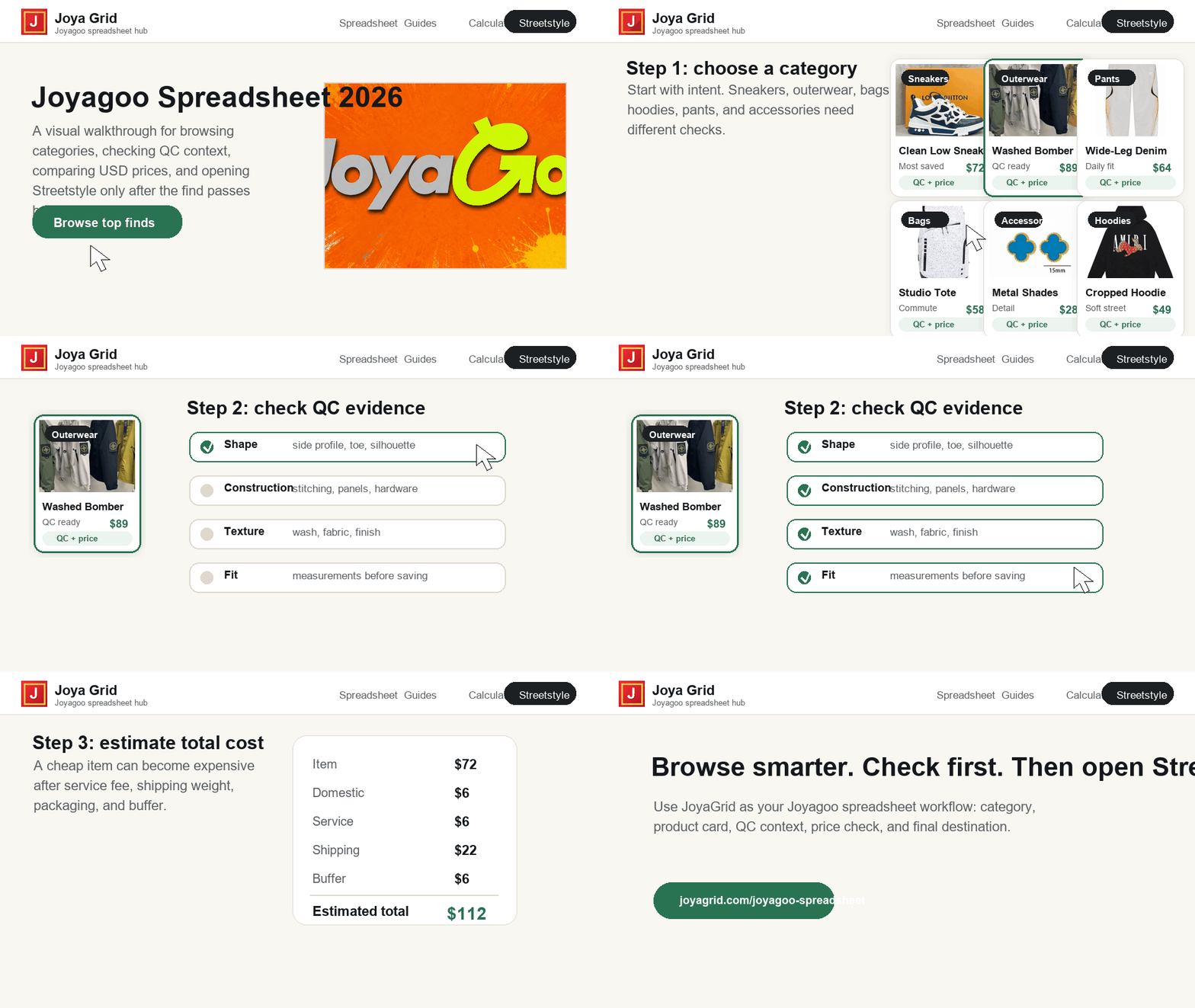
Visual walkthrough
The images below are JoyaGrid editorial illustrations used to explain a workflow. They are not seller photos, warehouse QC images, tested products, or recommendations. Use them only to understand the sequence: category first, current product evidence second, QC third, cost fourth, and final decision last.


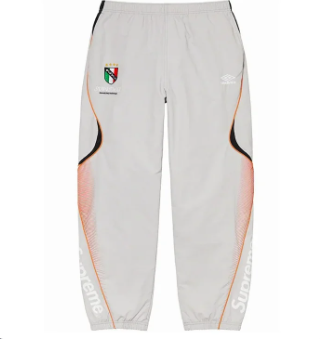
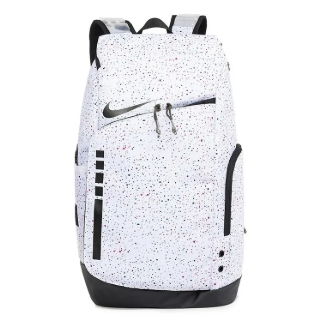
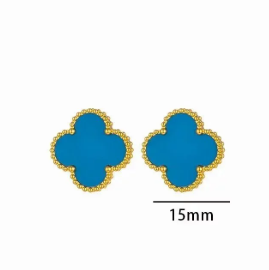
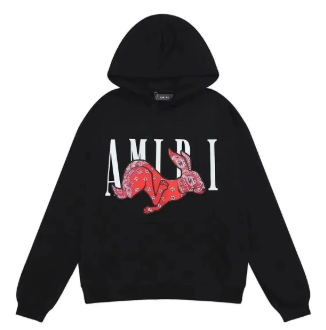
Interface walkthrough
How to use the JoyaGrid research flow
This walkthrough demonstrates the site interface only. It is not a product test, QC inspection, or seller verification.
Product QC galleries
Each product has its own QC page with buyer photo previews, size options, availability notes, and a link to the complete MaisonLooks gallery. Product photos and buyer QC photos are labeled separately.
Suggest a product
Send enough detail for us to match the right item: the current product link, selected option, visible price, useful sizing information, and any available QC gallery.
Share the current product page
Include the exact MaisonLooks URL so the product and its QC gallery can be matched correctly.
Name the option you checked
Add the color, size, visible price, date checked, and any measurements that helped you compare it.
Point out useful buyer photos
Mention the angles or details that make the QC gallery useful, and flag anything that still needs another photo.
Have a product to suggest?
Email the product link, option, price, date checked, sizing notes, and QC link if one is available.
Suggest a productWhy Use JoyaGrid's Version Instead of Google Sheets?
A Google Sheet is useful for storing information, but it is not always the best front door for discovery. Many spreadsheet users arrive from search, social posts, Discord discussions, Reddit threads, or haul inspiration. They are usually not ready to process hundreds or thousands of rows. They need a guided path: what the spreadsheet is, how to search it, what to check, which categories matter, and where the strongest finds are this week.
JoyaGrid starts with a short explanation, then provides a beginner workflow, visual cards, comparisons, and common questions. This makes the Joyagoo spreadsheet feel less like a file and more like a tool: users can understand the format, narrow a shortlist, compare QC photos, and decide what deserves a closer look.
Visual browsing
Cards make it easier to evaluate product type, price, image, and tags without dragging across spreadsheet columns.
Clear guidance
Guide sections cover the basics, comparisons, category choices, safety checks, and recent review notes.
Buying checks
QC-photo reminders, sizing notes, and cost warnings keep the page useful without pretending a spreadsheet row is a final recommendation.
You can compare products and open their QC galleries before visiting MaisonLooks. Prices, availability, and external policies can change, so use the current source page for the final check.
A dedicated page can explain what changed while a raw spreadsheet may keep old rows without context. Dated review notes help visitors judge whether links are still worth opening, whether prices look normal, and whether a find has enough QC-photo evidence for further research. Beginner guidance stays close to the product grid so these checks are easy to find.
That maintenance standard also makes the Joyagoo spreadsheet easier to trust. A useful row should not only exist; it should explain why it belongs. Strong entries have a clear category, a readable name, a realistic price, a visible image, a QC route, and a destination that users can verify. Weak entries are missing one or more of those signals. By turning the spreadsheet into a structured guide, JoyaGrid can teach visitors to recognize the difference before they spend time or money.
Pro Tips for Using the Joyagoo Spreadsheet Like an Expert
Experienced users do not treat the Joyagoo spreadsheet as a shopping cart. They treat it as a research surface. They compare similar items, remove weak links, check QC details, estimate weight, and time their orders around practical constraints. That habit is what separates a useful find from a rushed purchase.
Always check QC before shipping
Zoom in on stitching, logos, sole shape, hardware, color accuracy, fabric texture, and label placement before approving anything.
Bundle cautiously
Combining items can reduce per-item shipping cost, but a larger haul also increases the cost of mistakes. Keep only items that pass your checks.
Estimate weight early
Shipping cost can change the real value of a find. Heavy shoes, jackets, bags, and packaging should be considered before you commit.
Save reliable patterns
When one category, seller style, or product type consistently produces good QC results, record that pattern for future searches.
Watch holiday timing
Major shopping seasons and Chinese holidays can delay order handling, warehouse photos, and international shipping. Plan ahead.
Keep backup finds
A product page can disappear or a size can sell out. Keep alternatives so your haul does not depend on one fragile row.